Kasa HS300
HS300 · Smart Power Strips
Matching guide: Home Assistant
Home Assistant via TP-Link (local Wi-Fi)- Local control
- Confirmed on this route
- Cloud account
- Conditional or not verified
- Device bridge
- Not required
- Matter route
- Not established
- Match HS300 and its hardware revision on the unit. This route uses TP-Link integration over Wi-Fi; Matter, HomeKit and vendor cloud linking are separate routes.
- Complete installation using the exact manufacturer guide and load-specific ratings. Wall switches require appropriate wiring and qualified installation; plug-in devices must use a suitable outlet and load.
- Connect the device to 2.4 GHz Wi-Fi. Home Assistant must reach its local address. Different subnets can prevent discovery; follow the official manual-address guidance.
- Use a working Home Assistant installation.
- Use the built-in TP-Link Smart Home integration.
- Provision the device using the official app or documented Kasa command-line method. Newer Kasa devices/firmware require TP-Link cloud email/password for local authentication; older versions may not. This guide does not promise account-free setup or operation for every revision.
- Some firmware requires Settings > Third-Party Compatibility in the Kasa app. Check this if authentication or local communication fails.
Amazon AlexaGoogle Home
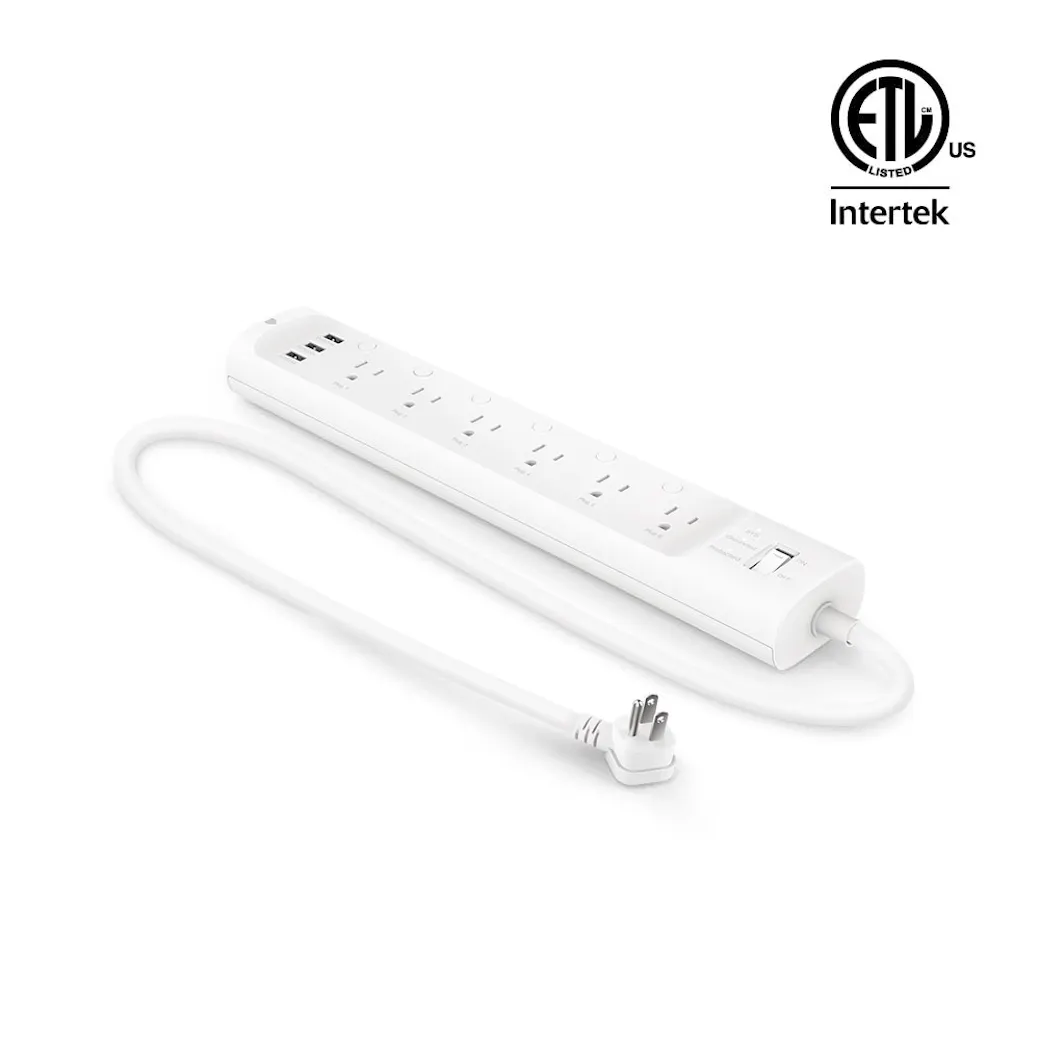
Wi-Fi power strip with six individually controlled AC outlets, three always-on USB ports and energy monitoring in the Kasa app.
- Energy monitoring
- Yes
- Outlets
- 6
Recorded priceNot recorded