Home Assistant
Not yet verified
Catalog listing only
Compatibility has not been established for this exact model. This does not mean it is incompatible.
Getting specifications, connection paths, and resources ready.
Model: P300 · Released 2023
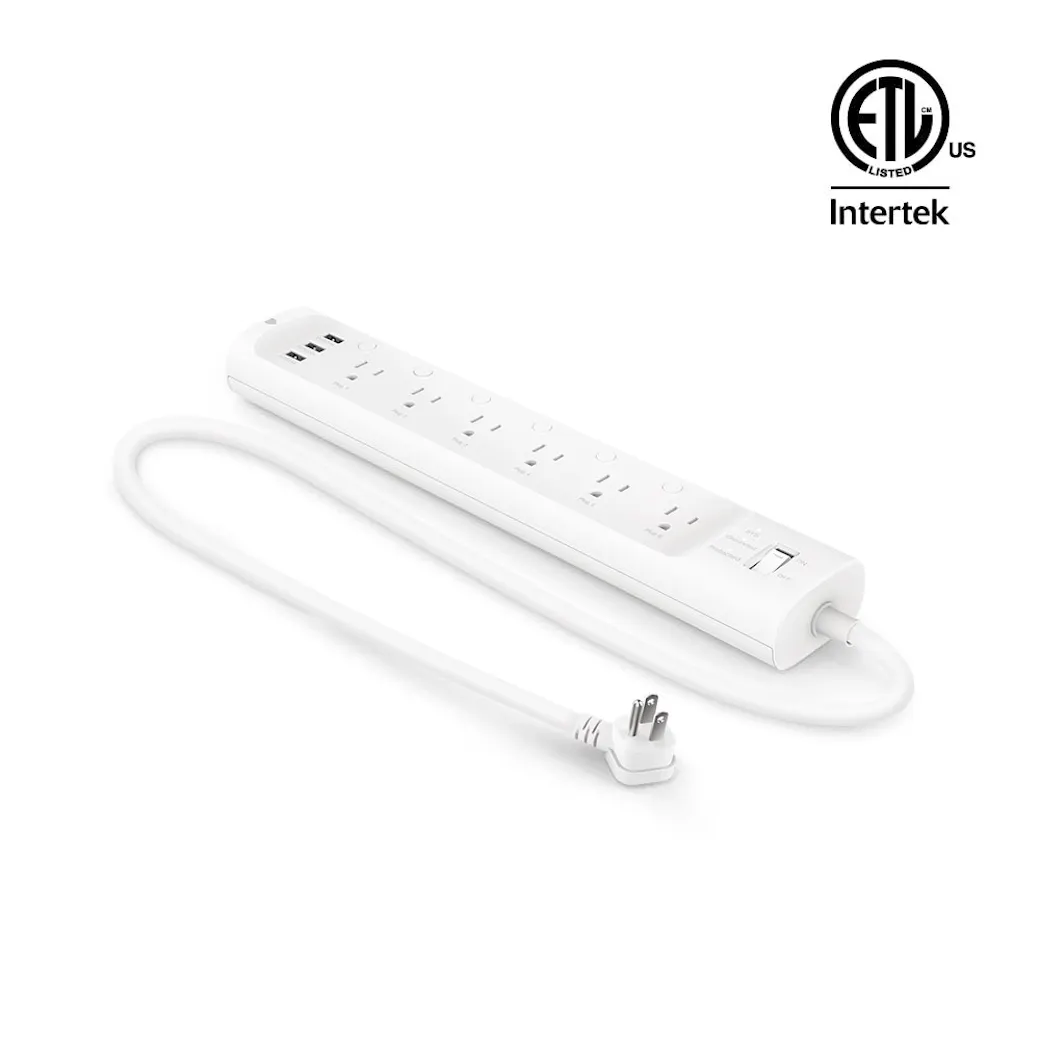
A Tapo Wi-Fi power strip with Apple HomeKit support. P300 is a separate model from the Matter-enabled P300M. Outlet counts, USB control and electrical ratings vary with the regional hardware version.
Catalog-level details. Controllers, bridges, accounts, and available features depend on the connection route.
Amazon. Confirm the exact variant before choosing. Store prices and availability can change; product-information pages are not store offers. Some retailer links are affiliate links.
Specifications and USB behavior vary by region and hardware version
Read the limitationsWhat to know about this device before choosing a connection.
A recommendation is not recorded yet. Compare the requirements below with your home and the capabilities you need.
Compatibility documentation reviewed October 9, 2026. The manufacturer comparison marks P300 variants as non-Matter and distinguishes P300M. Home Assistant lists P300 in its TP-Link integration, which uses local communication with TP-Link account authentication. The exact region/hardware of this legacy catalog record is not established: its existing 15 A/1875 W values, outlet count, USB behavior, certification and current availability still need variant-specific verification. Do not apply EU/FR ratings to a US installation or treat this entry as a verified US variant.
Check your ecosystem, then choose a connection method for its requirements and available controls.
Compatibility has not been established for this exact model. This does not mean it is incompatible.
View full compatibility details →Compatibility has not been established for this exact model. This does not mean it is incompatible.
View full compatibility details →Compatibility has not been established for this exact model. This does not mean it is incompatible.
View full compatibility details →Compatibility has not been established for this exact model. This does not mean it is incompatible.
View full compatibility details →Compatibility has not been established for this exact model. This does not mean it is incompatible.
View full compatibility details →Compatibility has not been established for this exact model. This does not mean it is incompatible.
View full compatibility details →Compatibility has not been established for this exact model. This does not mean it is incompatible.
View full compatibility details →A listed ecosystem is a starting point. Connection methods and exposed capabilities must be checked for the exact variant.
Catalog listing only
Compatibility has not been established for this exact model. This does not mean it is incompatible.
Catalog listing only
Compatibility has not been established for this exact model. This does not mean it is incompatible.
Catalog listing only
Compatibility has not been established for this exact model. This does not mean it is incompatible.
Catalog listing only
Compatibility has not been established for this exact model. This does not mean it is incompatible.
No verified evidence yet
Compatibility has not been established for this exact model. This does not mean it is incompatible.
No verified evidence yet
Compatibility has not been established for this exact model. This does not mean it is incompatible.
No verified evidence yet
Compatibility has not been established for this exact model. This does not mean it is incompatible.
Missing documentation does not mean a device is incompatible. Reviewed documentation is not a physical hardware test.
Choose a documented method. Requirements, controls, local/cloud behavior, and evidence stay attached to that route.
This model is listed by Home Assistant. Use the general setup instructions; this device’s exact native TP-Link route has not been reviewed. Check hardware, firmware, account requirements and available controls before setup.
General TP-Link setup helpA missing guide does not mean this device is incompatible. Check the manufacturer resources and exact model requirements.
Choose a connection method for its app, account and controller requirements. An app used by one method is not necessarily required for every connection.
Check the selected connection guide for its controller requirements.
Open connection instructions Find manuals and installation diagramsExpand a group to see all recorded attributes. Electrical maxima depend on load type; check operating and installation limits in the exact model documentation. Route-specific feature availability can differ. Missing fields are not a confirmed “No.”
Readings available to your smart-home system depend on the connection. Check readings by connection
Editorial catalog values out of 10. These are not customer reviews, route verification, or guarantees of suitability.
Check the model, region, hardware revision, and document version. Connection-specific sources are linked in each guide.
Reviewed documentation, catalog records, and manufacturer observations have different scopes. A source for one capability does not establish every feature.
Connection guides preserve source dates, publishers, review status, and claim-level links. “Documentation reviewed” does not mean tested on physical hardware.
Other active devices in this category. Their connection requirements and capabilities may differ.
KP303 · Smart Power Strips
Reviewed guides: Home Assistant →
Indoor Kasa Wi-Fi power strip with three controlled AC outlets and two always-on USB charging ports.
Recorded scores: Overall 8/10 · Value 8.8/10
Explore connectionsKasa / TP-Link US (official product information)
HS300 · Smart Power Strips
Reviewed guides: Home Assistant →
Wi-Fi power strip with six individually controlled AC outlets, three always-on USB ports and energy monitoring in the Kasa app.