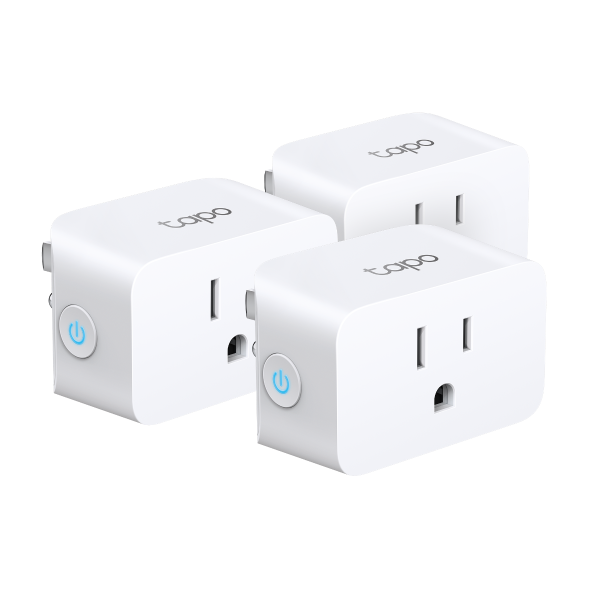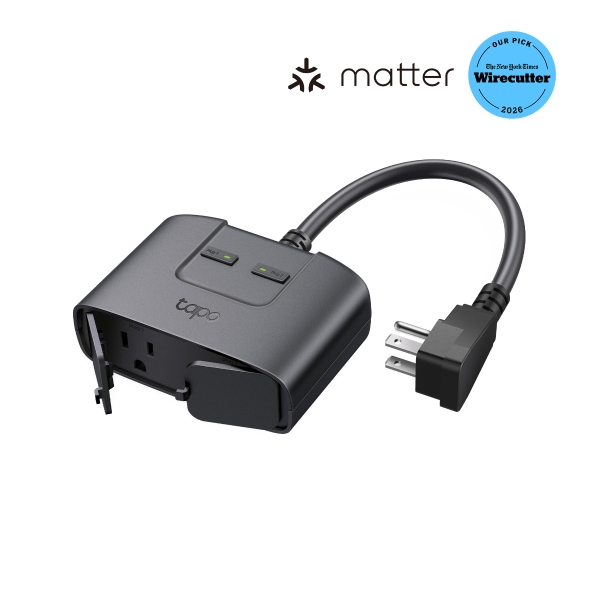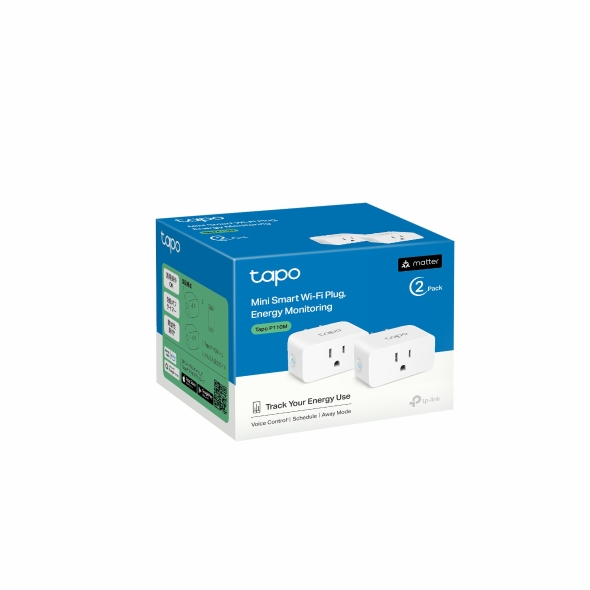
Tapo Smart Plug with Energy Monitoring (Matter)
P110M · Smart Plugs
Matching guide: Google Home
Google Home via Matter (Wi-Fi)- Local control
- Confirmed on this route
- Cloud account
- Required
- Device bridge
- Not required
- Matter route
- Reviewed
- Use the exact US Tapo P110M and its Matter setup code.
- The device needs 2.4 GHz Wi-Fi; enable IPv6 on the home network. Setup can appear successful yet later control can fail without IPv6.
- Set up a compatible hub in the same Google Home, such as Nest Mini or Nest Audio. Check Google’s current hub list.
- Use the latest Google Home app and its direct Matter setup path. This guide does not use vendor cloud linking.
- Sign into Google Home. Direct Matter commissioning is documented; a Tapo account is not a prerequisite of this specific setup path.
- Use BLE 4.2 or later with Android 8.1+ and Play services 22.48.14+, or iOS 16.5+. Enable Bluetooth for pairing.
Matching guide: Home Assistant
Home Assistant via Matter (Wi-Fi)- Local control
- Confirmed on this route
- Cloud account
- Conditional or not verified
- Device bridge
- Not required
- Matter route
- Reviewed
- Use the exact Tapo P110M with its Matter commissioning code.
- Connect the plug to 2.4 GHz Wi-Fi. Keep the phone, Matter server and device on a LAN that permits IPv6 and Matter discovery; follow the official network troubleshooting instructions.
- This guide uses Home Assistant OS, the supported installation for the official Matter Server app.
- Install the built-in Matter integration and official Matter Server app.
- This path commissions the plug directly with its Matter code through the Home Assistant Companion app. The manufacturer documents direct Matter-app setup; vendor app provisioning is a separate alternative.
- Use a supported Android or iOS phone with the Home Assistant Companion app and Bluetooth enabled for commissioning. Bluetooth is for setup, not ongoing control.
Matching guide: Home Assistant
Home Assistant via TP-Link (US Wi-Fi)- Local control
- Confirmed on this route
- Cloud account
- Required
- Device bridge
- Not required
- Matter route
- Not established
- Use the exact Tapo P110M model. Home Assistant lists model support; hardware/firmware examples are additional context, not universal minimum-version requirements. Check your installed firmware and the documented third-party setting.
- Connect the plug to 2.4 GHz Wi-Fi and allow local communication with Home Assistant.
- Use a working Home Assistant installation.
- Add the built-in TP-Link Smart Home integration. This guide uses the local TP-Link route.
- Provide the TP-Link cloud email and password used with the device. Local communication does not remove this authentication requirement.
- Check Tapo Lab > Third-Party Compatibility in the Tapo app. Some firmware requires this setting to permit Home Assistant access.
Wi-FiMatter
Amazon AlexaGoogle HomeApple Home / HomeKitHome Assistant
A Tapo Matter-over-Wi-Fi plug with documented energy monitoring. Connection requirements and exposed readings depend on the selected ecosystem, hardware and firmware.
- Energy monitoring
- Yes
- Outlets
- 1
More device details
- USB ports
- 0
- Outdoor
- No
Recorded scores: Overall 8.2/10 · Value 9.2/10
Explore connectionsRecorded price$13.99
View at Amazon